
Main menu
You are here
Step 7: Repeating the model edit/run cycle
Sun, 27/07/2008 - 08:56 — administrator
Step 7: Repeating the model edit / run cycle
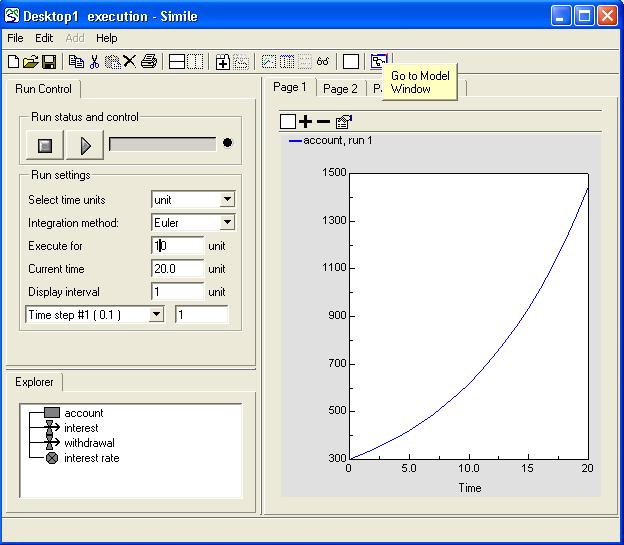
1. Return to the desktop canvas
- Click on the "Go to Model Window" toolbar button.
2. Prepare to edit the component properties
- Click on the
 pointer button in the toolbar.
3. Change the interest rate from 10% to 15%
- Click on the interest rate variable.
- Change its value from 0.1 to 0.15
- Click on the green tick mark.
4. Run the model again
 Click on the "Run" button on the toolbar.
The model will automatically rebuild, re-initialise and run again.
- Printer-friendly version
- Log in or register to post comments