
Main menu
You are here
Working with submodels : Plug-and-play modularity : Step 2
Sun, 27/07/2008 - 08:57 — administrator
Step 2: Save the submodel as a separate Simile model
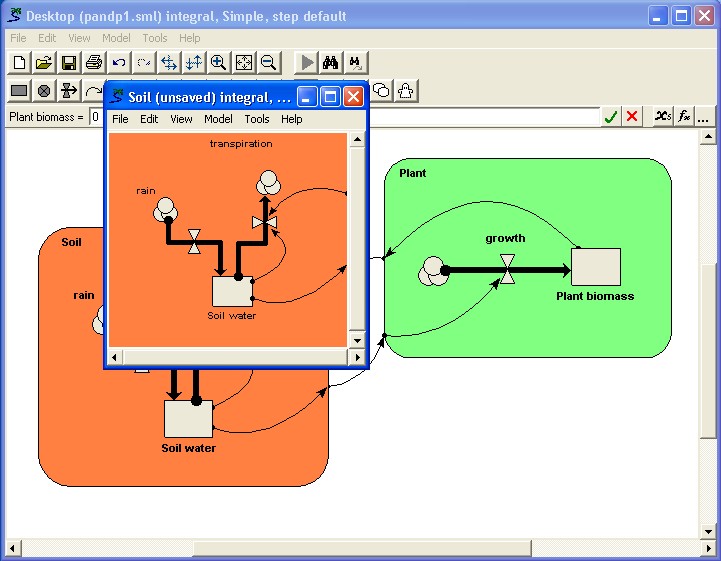
We first open up a separate window for the soil submodel by double-clicking on its boundary.
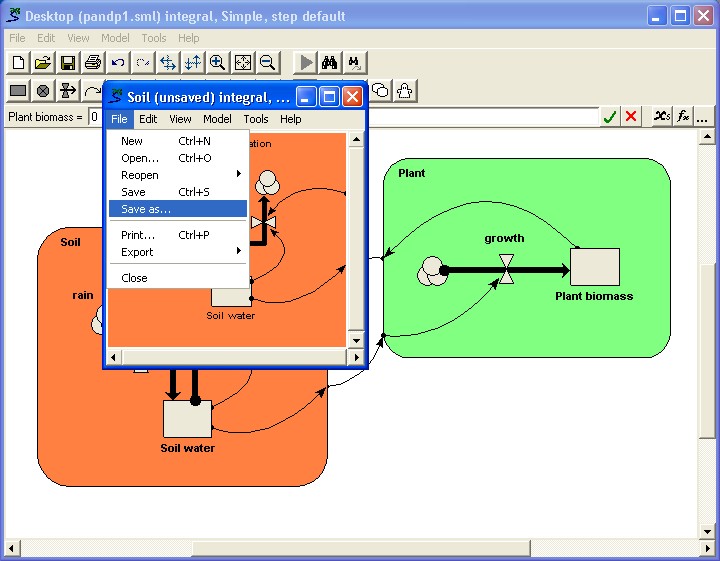
We now select the "Save as..." command from the submodel window's File menu (not the menu for the main model window).
In: Contents >> Working with submodels >> Plug-and-play modularity
- Printer-friendly version
- Log in or register to post comments